Applying for a Police Clearance Certificate in Kenya: What You Need to Know

Cyber Mfukoni Team

To apply for a police clearance certificate online in Kenya, follow these steps:
Need assistance with your police clearance certificate application? Cyber Mfukoni offers consultation services to help you get it done right the first time.
Visit the eCitizen Portal: Go to the eCitizen website at www.ecitizen.go.ke.
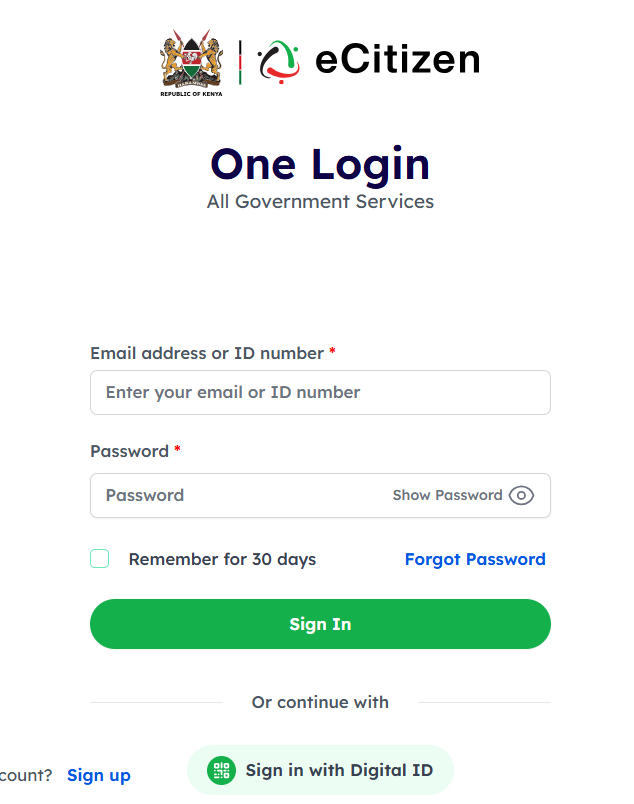
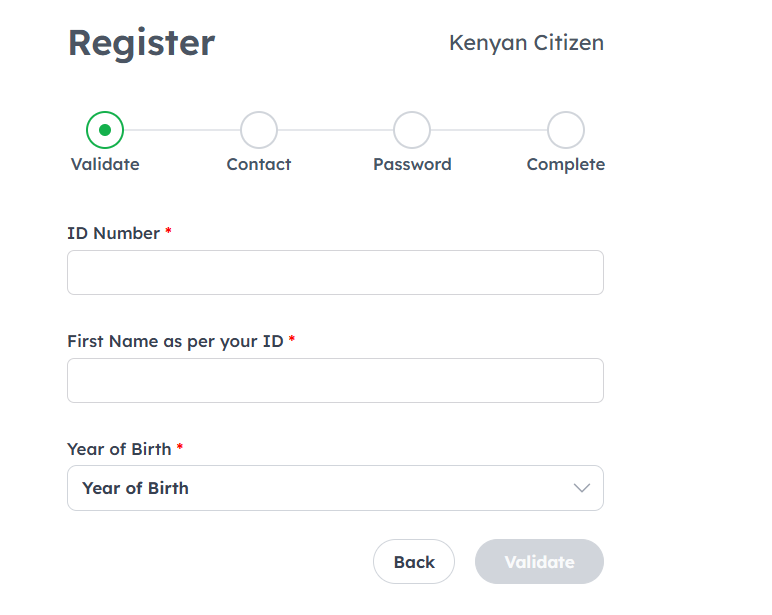
Create an Account: If you don’t already have an eCitizen account, you’ll need to register. Click on “Register” and fill in the required details.
Log In: Once registered, log in to your account using your credentials.
Select Services: Navigate to the “Criminal Records” section or search for "Police Clearance Certificate" in the search bar.
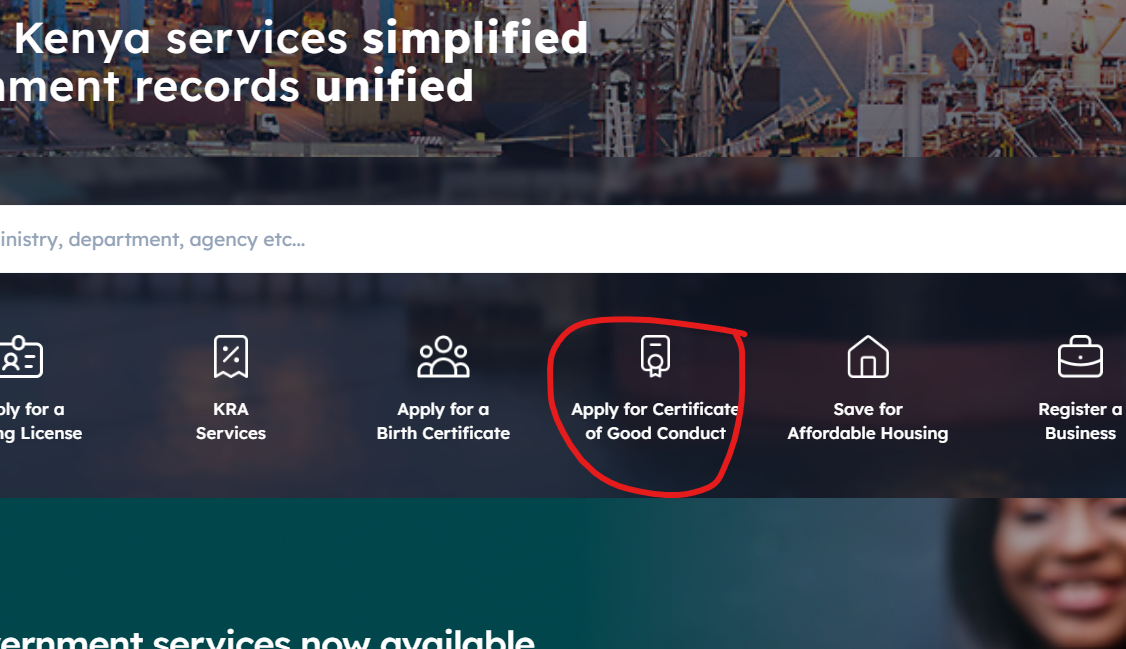
Fill Application Form: Click on the service and fill out the application form with your personal details as required.
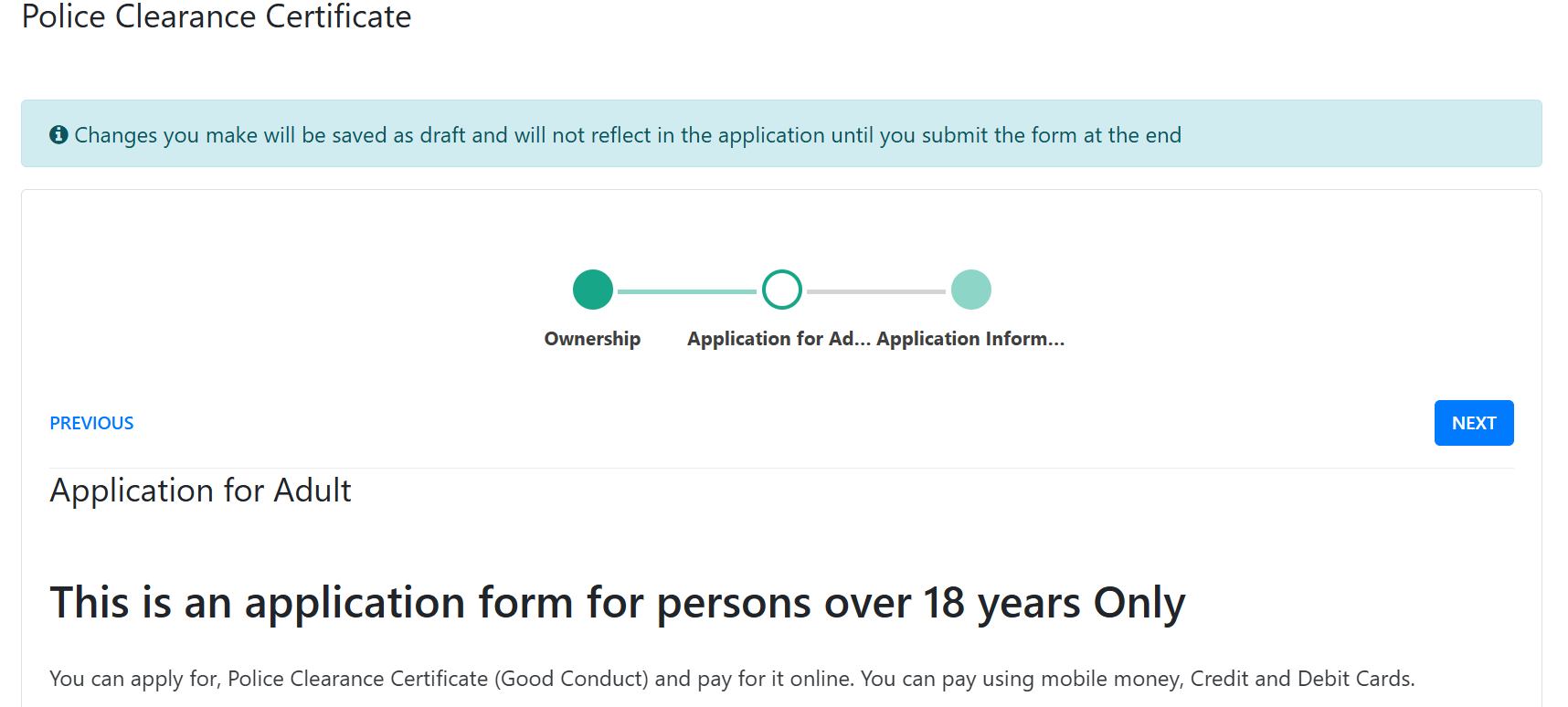
Payment: After completing the form, proceed to make the payment. The fee can be paid online through various methods available on the portal.
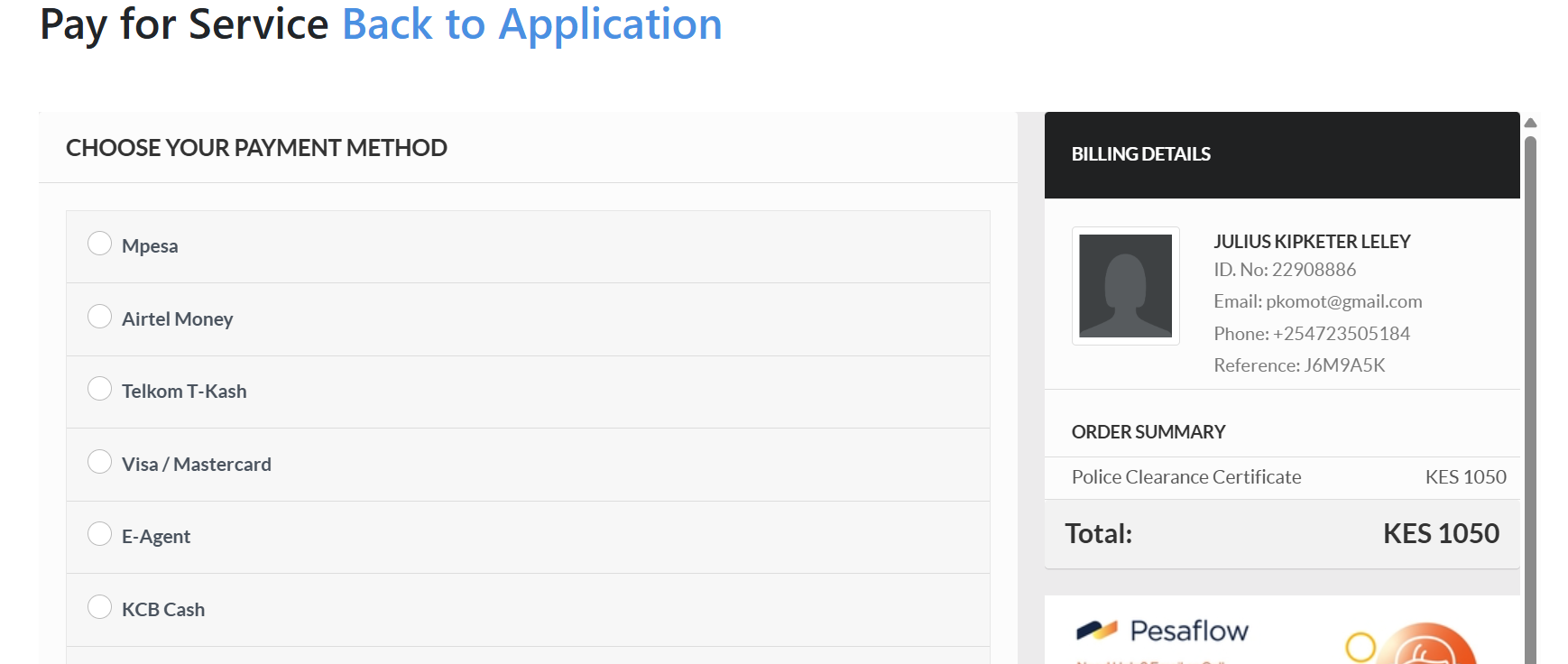
Submit Application: After payment, submit your application. You will be required to print out a copy of the receipts of payment and the print form, which will be required in the fingerprinting centre.
Visit Huduma Center : You are required to visit a designated Huduma Centre for fingerprinting or to provide additional documents.
Receive Certificate: Once processed, you will be notified when your police clearance certificate is ready. You can then download it from your eCitizen account or collect it as instructed.
Make sure to have all necessary documents ready, such as identification and any additional documents that may be required.
Similiar Posts
.jpeg)
November 18, 2024
• 10 min read.jpeg)
November 18, 2024
• 11 min read
March 22, 2025
• 12 min read